Features
Everything for HR development – in one place
From structure and assessments to development plans, obligations and surveys. Where the AI is involved, it drafts – and a person reviews and approves.
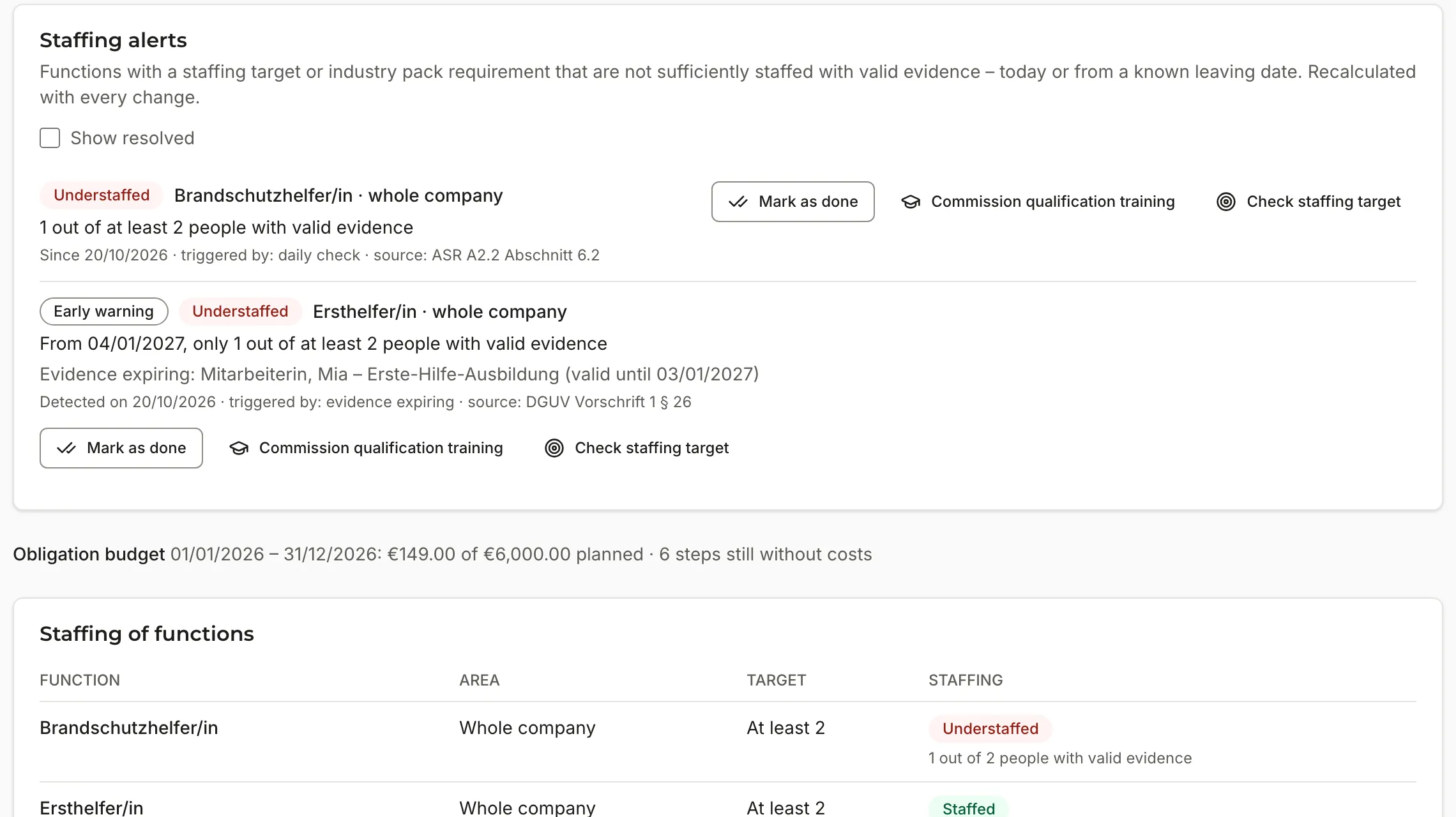
Obligations and audits – EUlyra Comply
Mandatory qualifications and briefings under control – before a function is left unfilled
See at any time whether required qualifications are in place – for each person, each function and any reference date. Status, staffing and warnings are calculated by fixed code, without any AI.
- Industry and association packs assigned by NAVIGRO – with functions, obligations and references – plus your own
- Obligations from industry-wide and company collective agreements and from works agreements – with documents and the source shown for every obligation
- Record, upload and review evidence – “sighted only” for example for a criminal record certificate
- Status for each person – valid, expiring, unreviewed, expired, missing
- Staffing for each function against your target and the minimum staffing from requirements
- Early warnings of understaffing, also when someone leaves or evidence expires
- Audit report for any reference date as PDF and CSV – signed off by NAVIGRO on request, for a fee depending on the plan, and unchangeable afterwards
Framework and skill profiles
Clear about what every role needs – and where every person stands
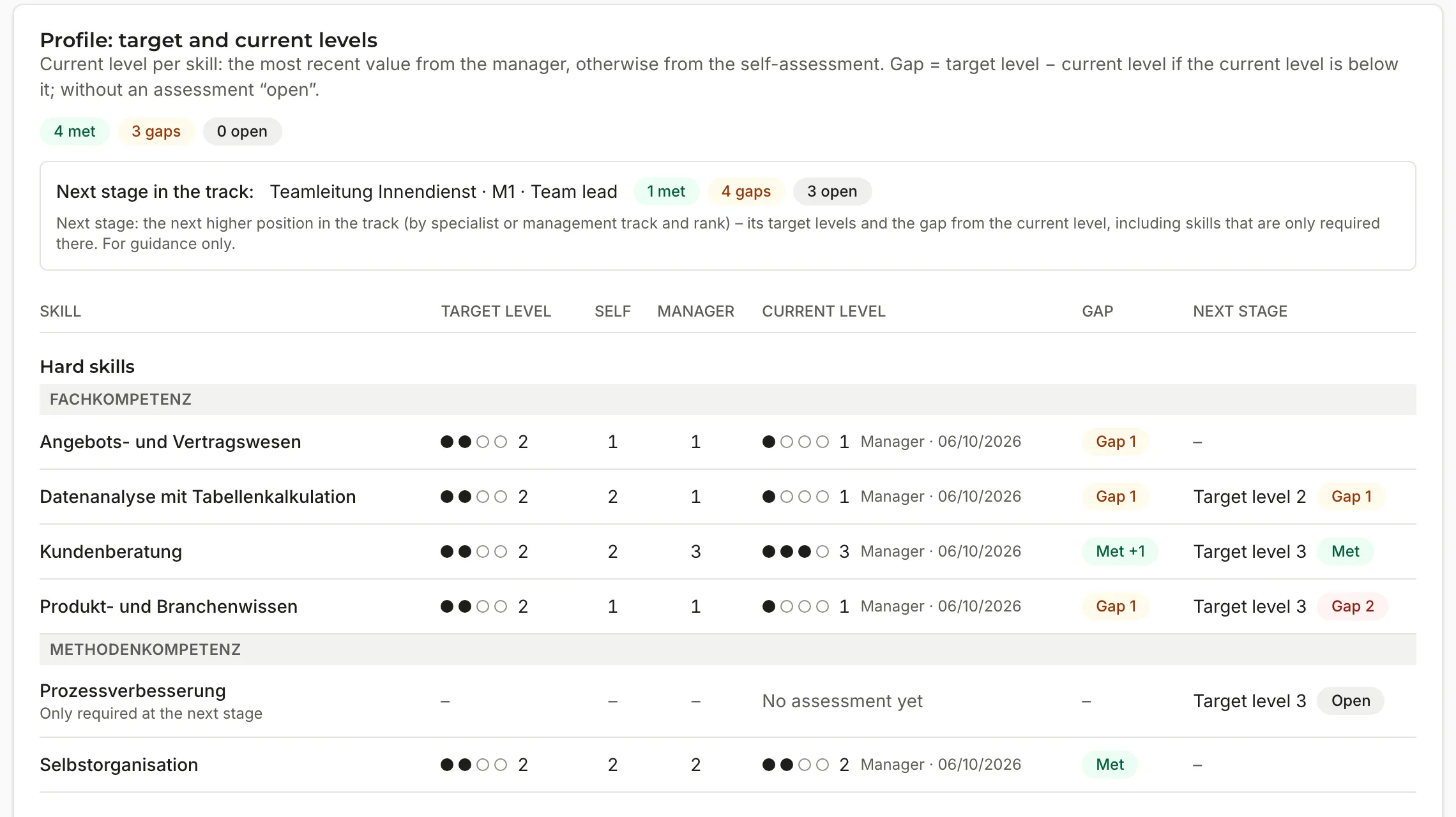
Map your structure of departments, tracks and positions and define which skills are required at which level for each position. Each person’s profile shows target, current level and gaps at a glance.
- Hard and soft skills with four observably described levels
- Skill matrix for each position and track matrix for all positions in a track
- Specialist and management tracks with seniority levels
- Current level from the assessments by a fixed rule, gap to the next stage in the track
- Team heatmap for managers – summaries as counts, without ranking people
- Import from an Excel template; NAVIGRO transfers proven frameworks as a template
AI requirements profiles
Requirements profiles as a draft – from your own documents
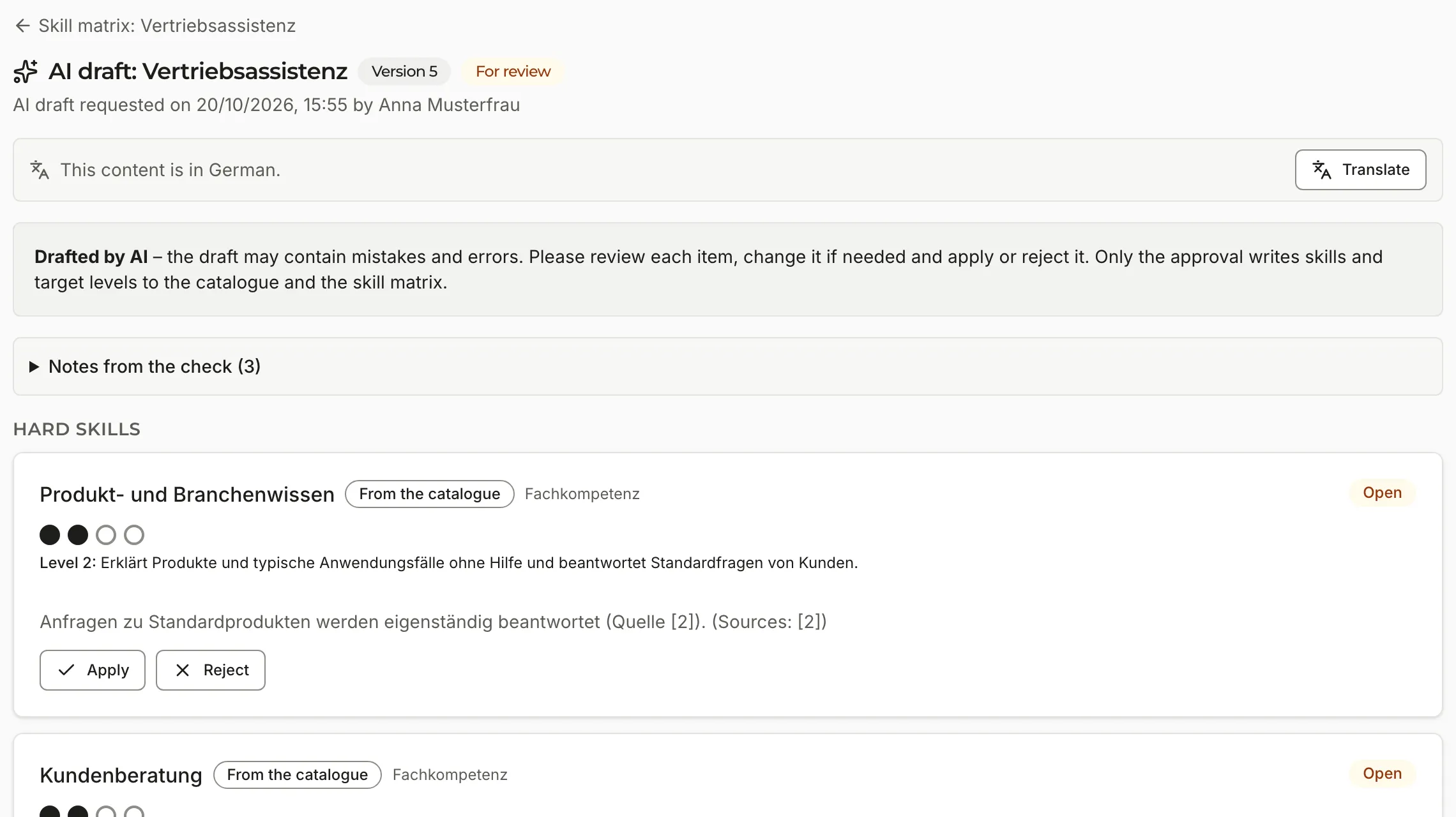
For every position, the AI drafts a complete requirements profile. It draws on your company profile, neighbouring positions, your framework documents and comparable job advertisements – and names its sources.
- Review item by item – apply, edit, assign or reject
- Core rules from mission statement, policies and works agreements are taken into account
- Only approval by HR or NAVIGRO writes to the skill catalogue and skill matrix
- Drafts for all positions in a track at once, with costs shown in advance
Development plans in sprints
A plan for every person – within budget and time
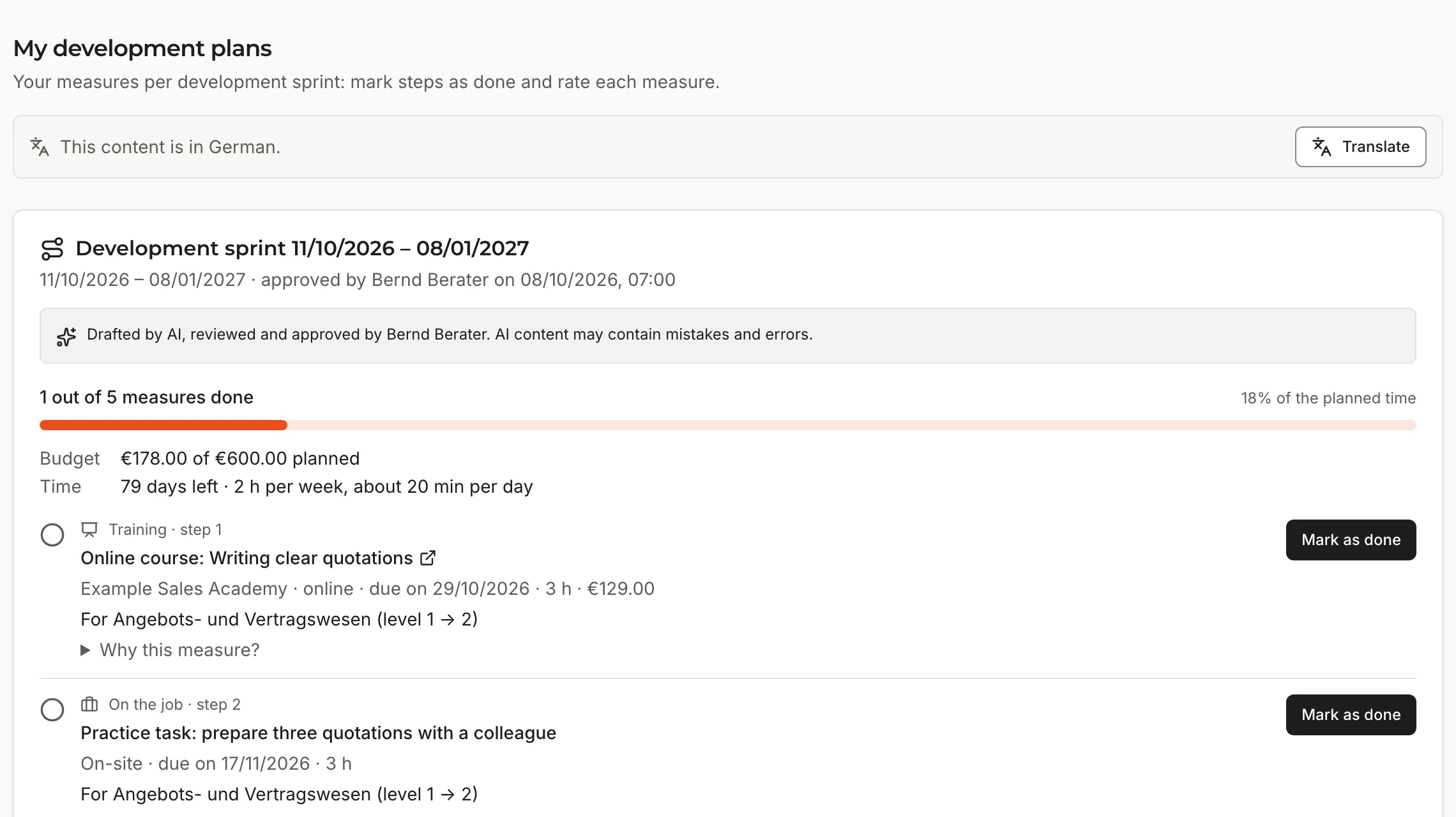
Based on the gaps identified, the AI drafts a development plan for a sprint, usually 90 days. It selects learning content from your learning catalogue, from offers reviewed by NAVIGRO and from the web – to fit the budget and hours per week.
- Development budget for each person with money and time
- A reason for every measure and a fixed check against budget and time frame
- Review and approval by HR or NAVIGRO – depending on the service you choose
- After approval, a workflow with steps, deadlines and reminders
- Employees mark measures as done and rate them; ratings feed into future plans
- Your own learning catalogue, imported from an Excel template or CSV file
- Metrics for HR – time to approval, budget use, completion rate, adoption of AI suggestions and ratings per measure, without the names of individual people
Assessment rounds
Assessments that mean something
Plan rounds for selected people and a fixed period. Employees and their managers assess without seeing each other’s answers, and peers can be included if you wish. Results only become visible at the end of the round.
- Assessments by peers only once you have confirmed that co-determination has been clarified
- Results from peers only in aggregate
- Reminders of open assessments, repeat rounds
- After the round, EUlyra suggests discussing the results in a conversation

Surveys
Know how the team is doing
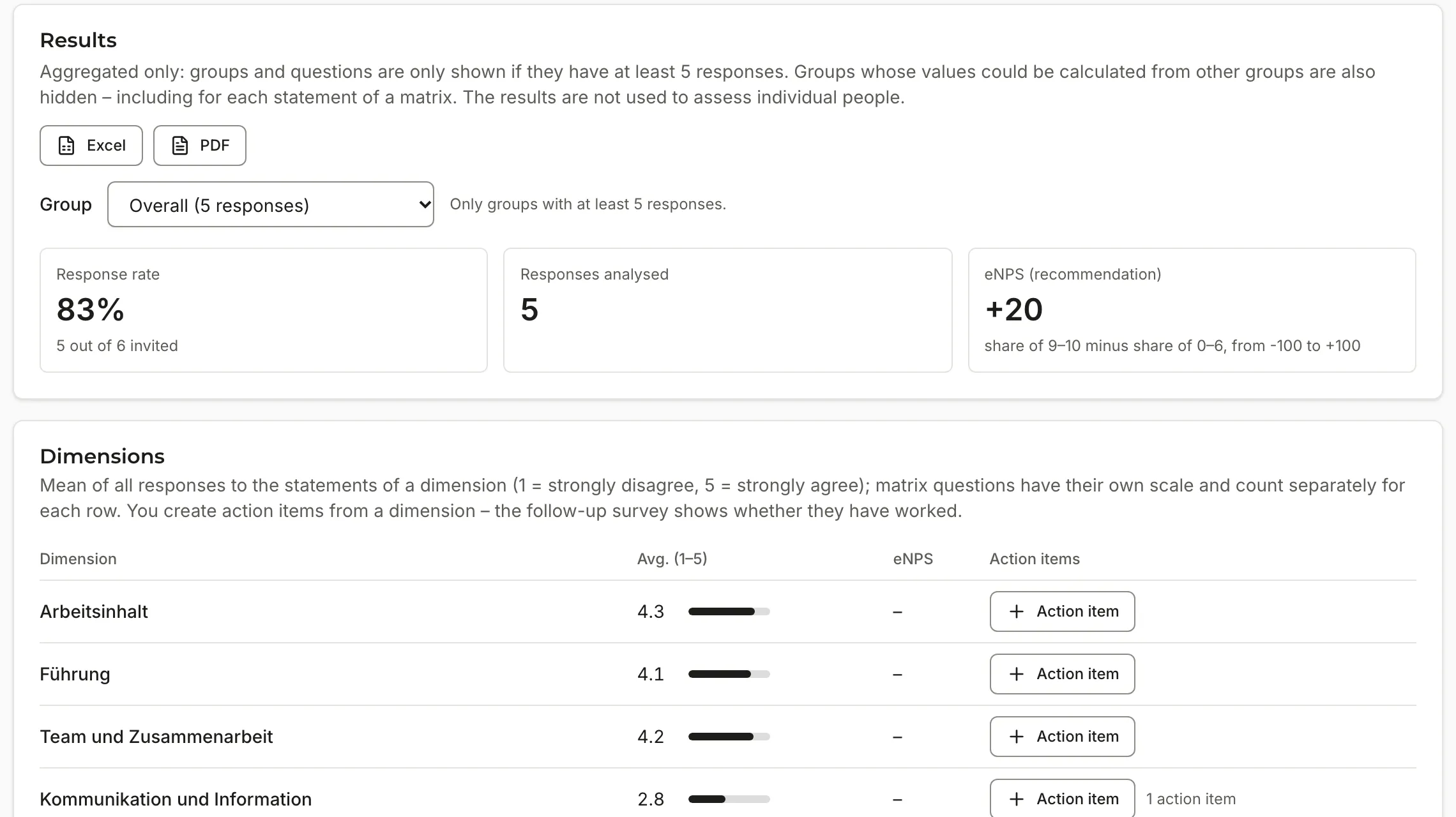
Employee satisfaction with eNPS, pulse surveys and topic surveys from templates or put together yourself. Results are only shown in aggregate and only for groups above a minimum size.
- Templates for satisfaction, HR development offering, benefits, training needs and pulse
- Minimum group size adjustable from 5 people, free-text answers optional
- Results by location and department, comparison with the previous wave
- Export as Excel and PDF, measures directly from the results
- Participation and answers stored separately; while the survey is running, only the response rate, and results only after it has ended
- No analysis by AI; results never feed into the profiles or plans of individual people
Workflows
Recurring processes that forget nothing
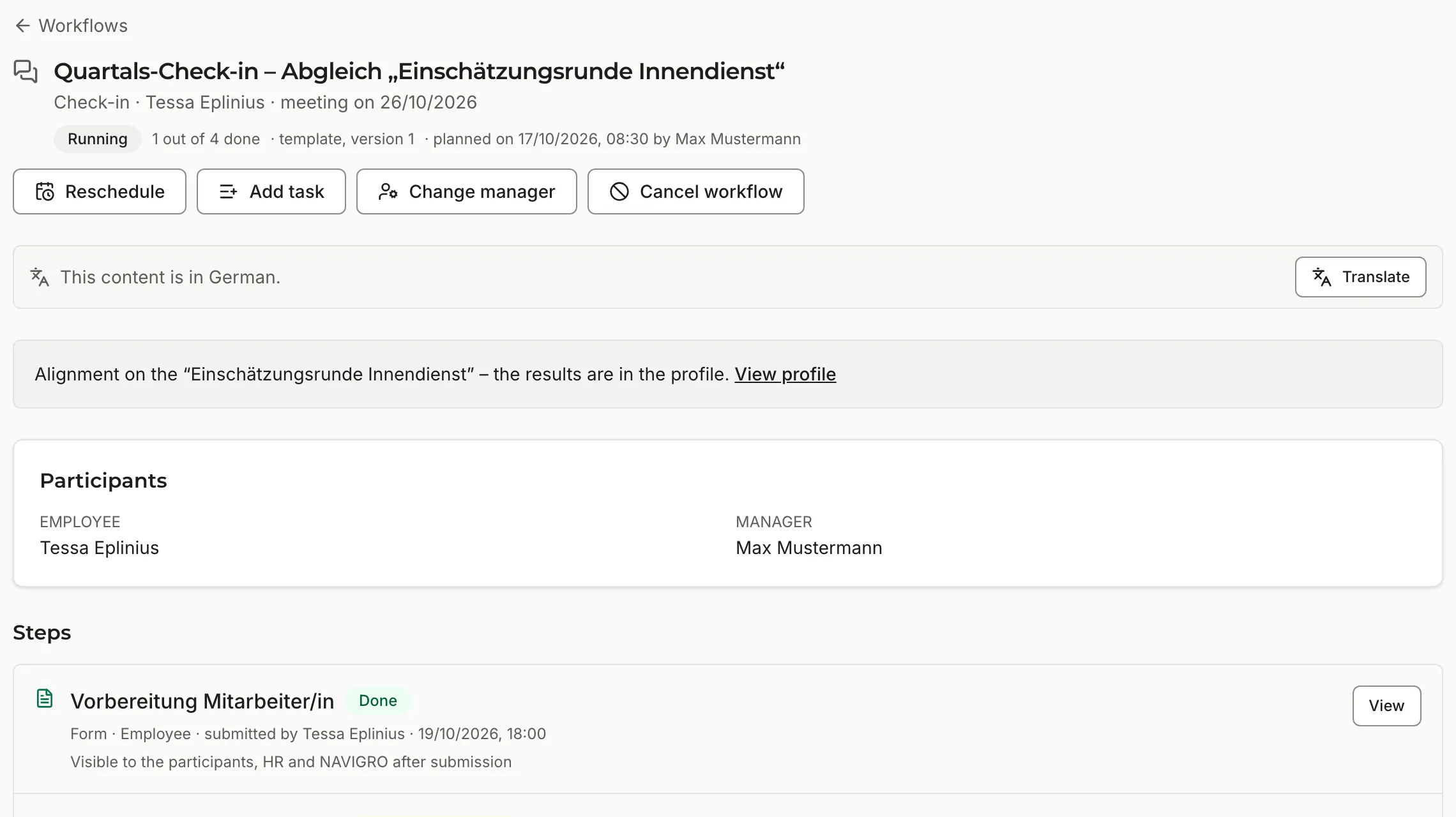
Onboarding, probation review, check-in and offboarding follow fixed templates – with steps for the employee, the manager, HR and the buddy.
- Steps as form, conversation, task, initial assessment or mandatory briefing
- Deadlines, notifications and email for everyone involved
- Suggested onboardings for new people and offboardings when a leaving date is entered
Personal assistant
Someone to ask about one’s own development
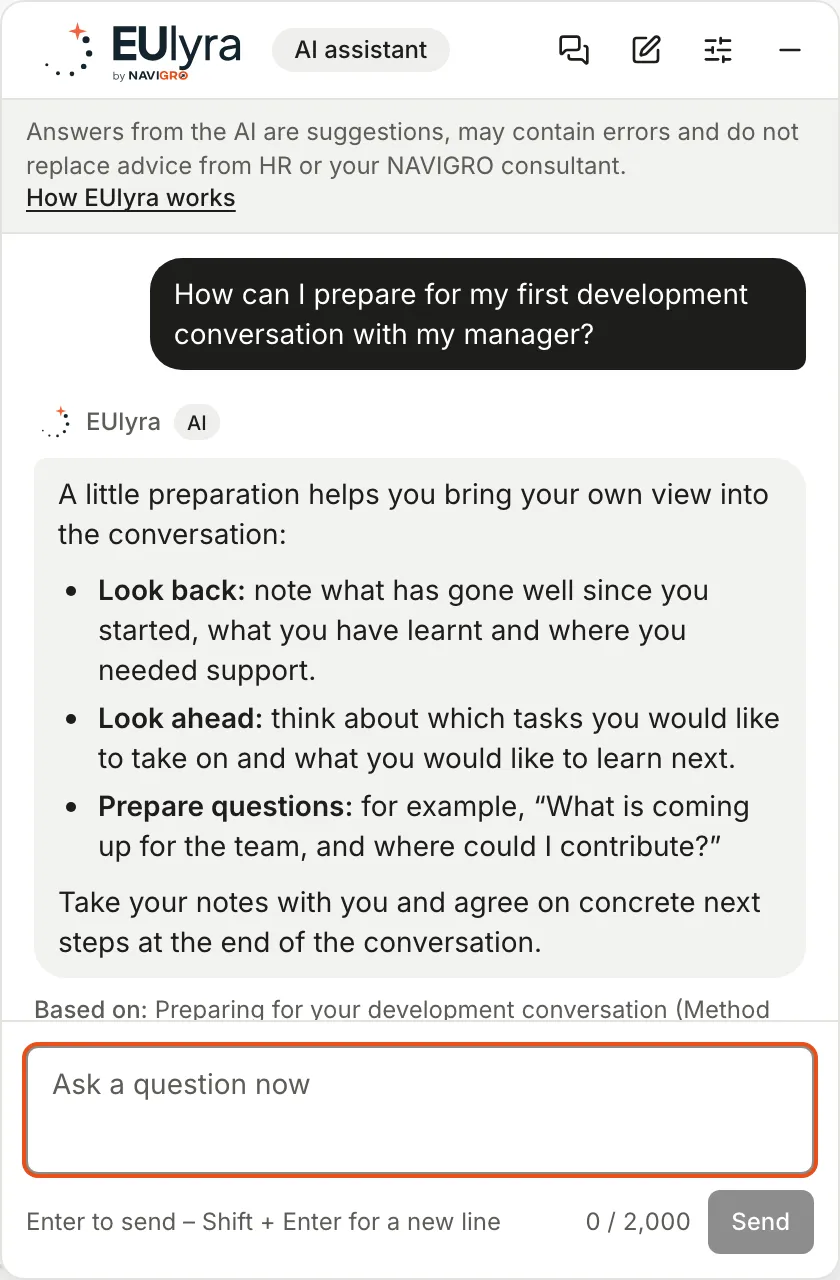
Employees ask EUlyra about their development plan, about learning content on a topic or how to prepare for a conversation. They add suggestions to their plan with one click.
- Confidential – neither managers, HR nor NAVIGRO can see the conversations
- AI answers are labelled and name their sources
- Method knowledge from articles reviewed by NAVIGRO – for example on feedback, learning goals or preparing for a development review – and from your approved framework documents
- Before any web search, a search guard checks the terms for names and sensitive details – the person sees the terms and decides whether and how to search
- Free content goes straight into the plan, paid content only after approval
- For sensitive topics, fixed answers with your contacts – HR, works council, employee counselling
- Can only be switched on once you have confirmed that co-determination has been clarified
- Evaluation only as aggregated topics, never per person
German and English
Everyone in their own language
The interface, emails and reports are available in German and English – everyone chooses for themselves. Content in the other language is translated with one click.
- Translations are labelled – the original remains authoritative
- Contact details and recognisable names are replaced by placeholders before translation
- AI drafts in the person’s language

Look & Feel
EUlyra in your look
With the “Look & Feel” add-on, the platform appears with your logo and your colours – in the app, in emails and in the audit report – and in the app also with your font.
- Logo, favicon, primary and accent colour, font and email sender name
- Preview before applying
- Status colours stay the same everywhere

Get to know EUlyra in use
As an early adopter, you set up EUlyra together with NAVIGRO – with a preferential price and close support.